Command Configs
Customizing your commands' permissions
To access these settings:
Head to your Dashboard
Select your server
Go to the Command Configs Tab
Command Configs
This is how you navigate the dashboard to get to Command Configs:
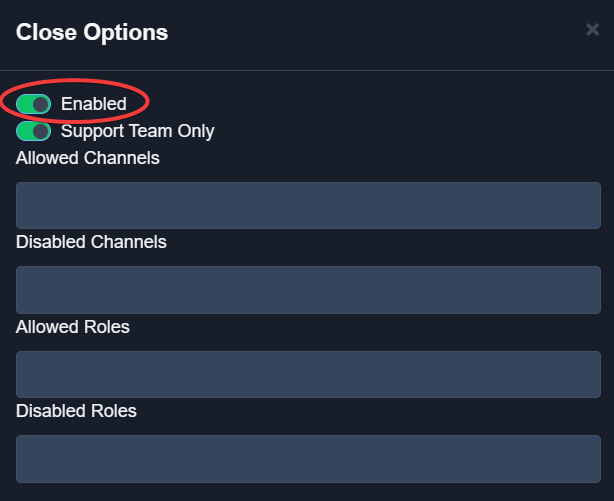
Enabling and Disabling Commands
Use the slider by each command to turn it on or off. When it is green, the command is enabled. When red, it is disabled.
When a command is disabled, it can no longer be used by anybody on your server.
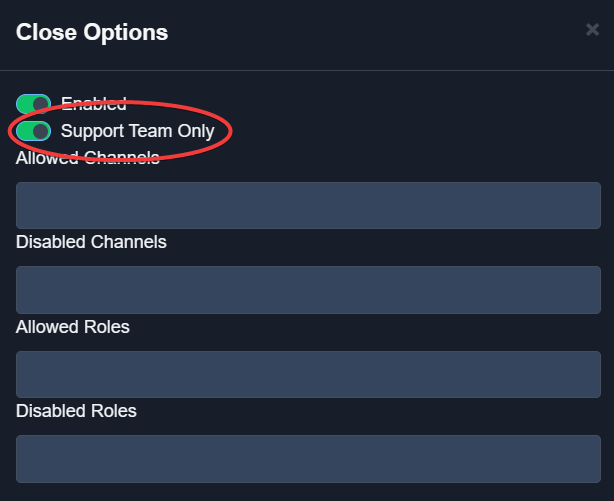
Command Configurations Slider Support Team Only
When enabled, the command can only be run by users with a Support Role in a ticket.
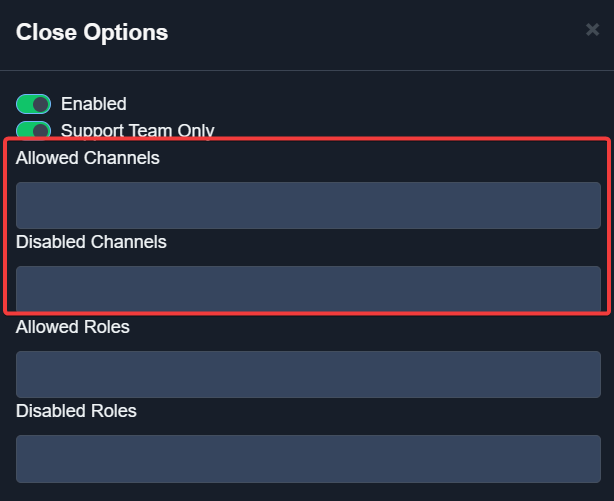
Allowed Channels
A list of whitelisted channels the command can be run in.
Disabled Channels
A list of channels the command cannot be used in.
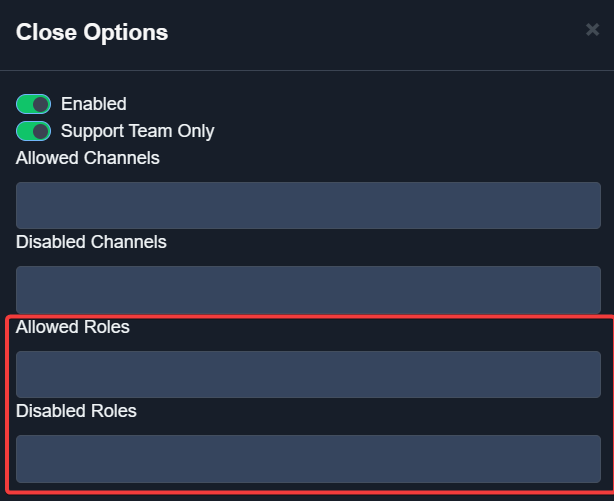
Allowed And Disabled Channels A list of roles that can run the command.
A list of roles that cannot run the command.
Allowed And Disabled Roles Now you’ve edited some settings, make sure to press the green “Save” button